Read the rest of this entry »
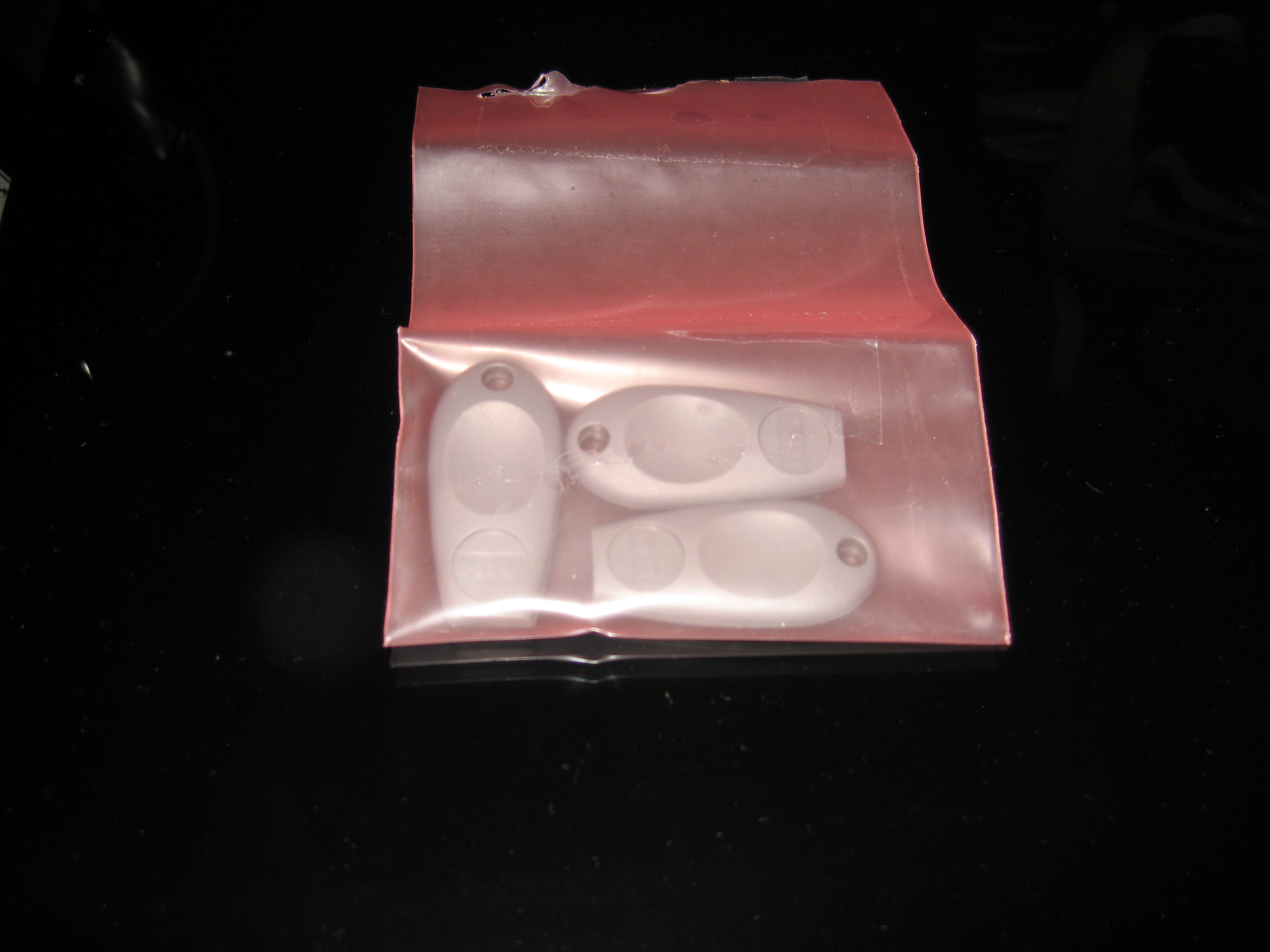
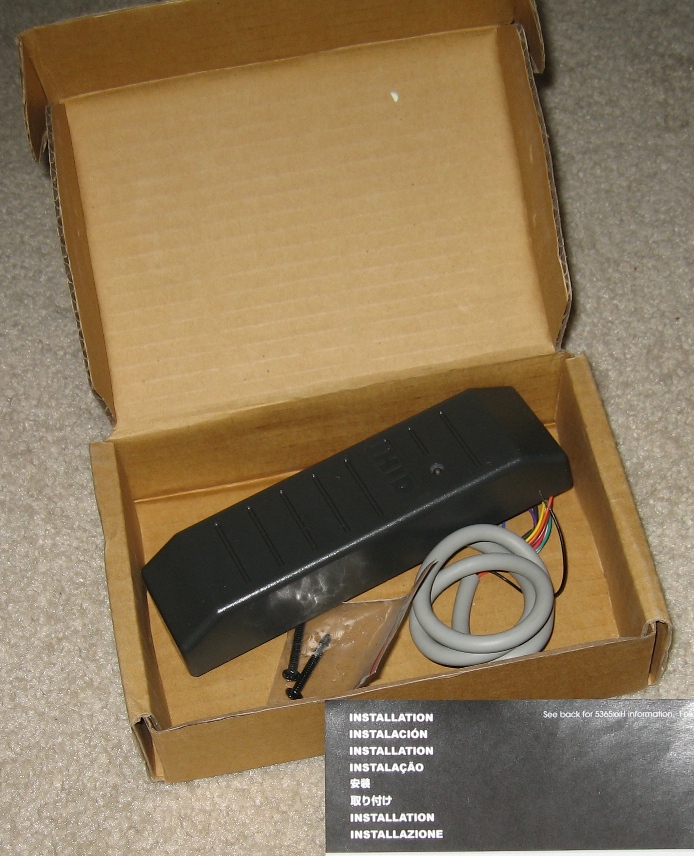
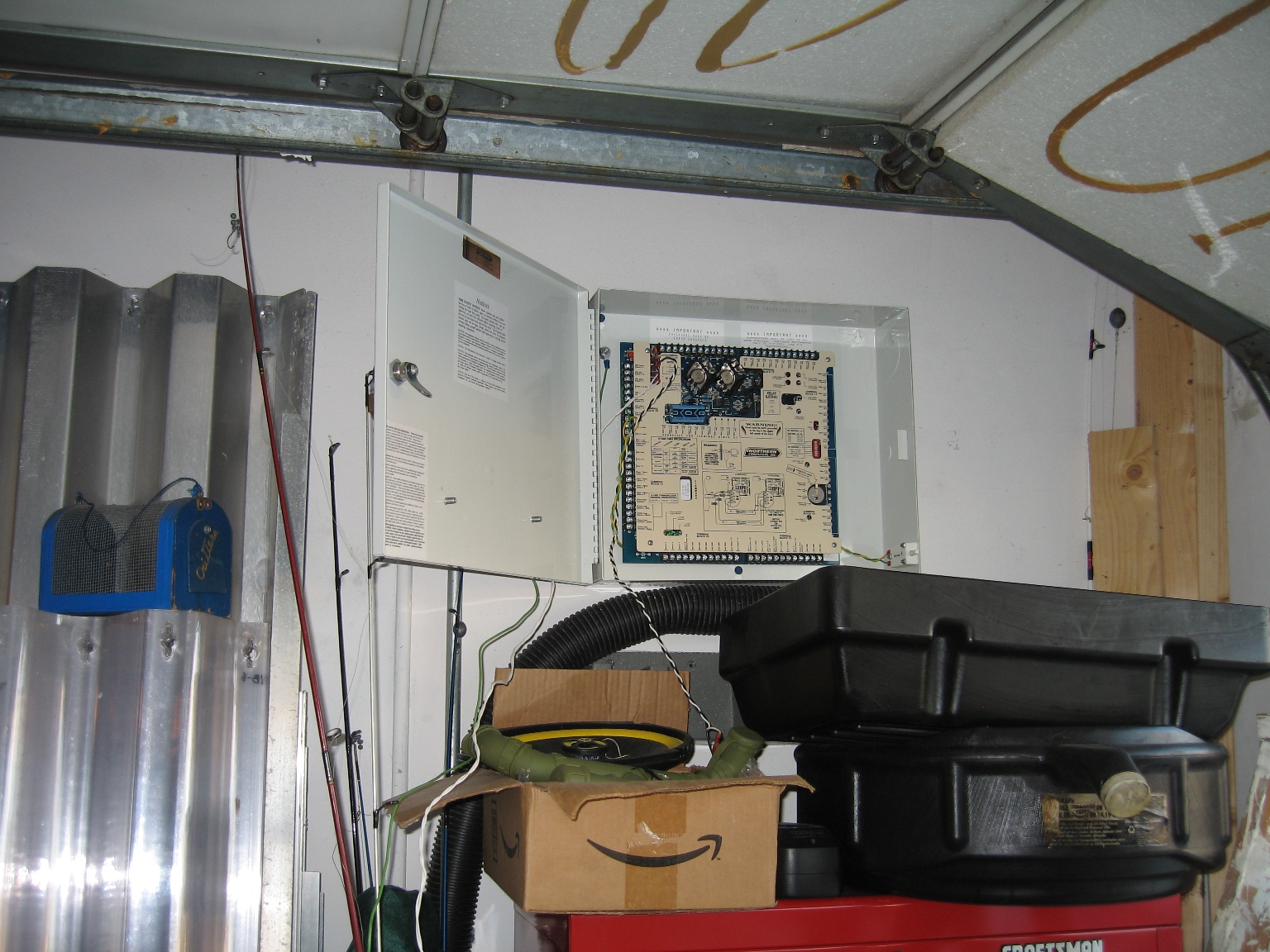
So with a tip from a fellow on the internets, I was able to finish that last step in programming it, setting the link between a card reader and an output. It was all working so I ran to install it, took a little under an hour and it works! w00t!!!111oneoneeleven
Pics:
So I tinkered around today with it some more, and realized my mistake when I previously tried to program the panel. Every command has to be prefixed with a space. The other show stopper is the POS USB<->Serial Dongle I am using, it craps out after a few minutes and I have to change the com port, disable/reenable the device, or unplug/replug it in…
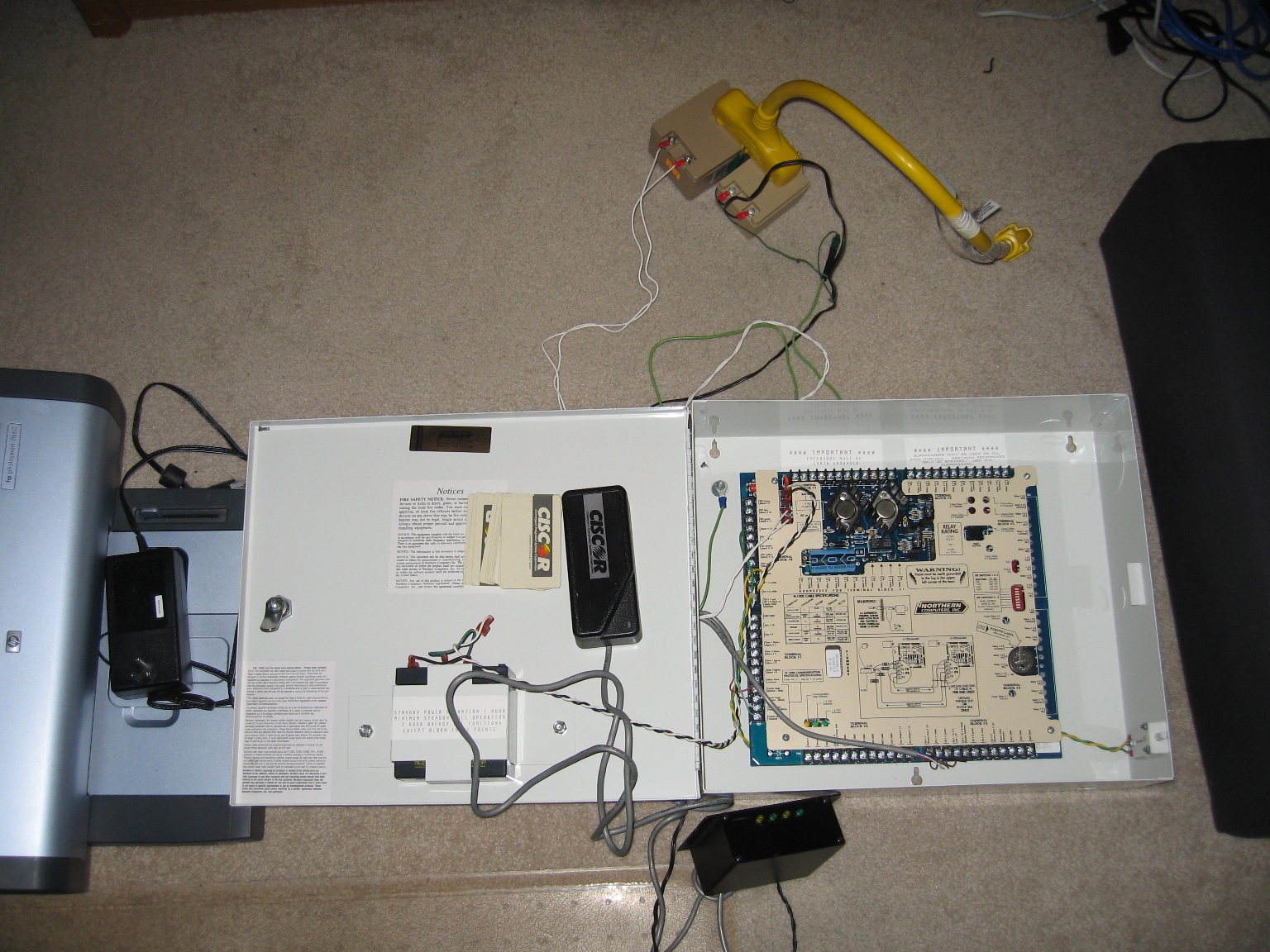
I made good progress today, Assigned the Reader to an Output, Added the Card to the Reader, and named the Panel, Reader and Output. I cannot get the panel to energize the output when I have a successful read, however the LED status on the reader works now and I can see the actions in the terminal processing. I know it has to do with the V command, but everything I’ve done thus far is invalid syntax, stupid Honeywell needs to improve on this documentation from 1995. Perhaps I’ll try to get a firmware upgrade for this thing, apparently you have to send the EPROMM in to get it, PITA.  Heres a pic from my tinkering…
Also bidding on a Blackbox wireless serial server so once this is installed I can make whatever changes over the network…mmm disable someones proxcard (key) to the house via VPN–oh the joys…
Anyone else who wants to do something like this, the Northern Computers panels may be a cheaper solution since they are in surplus out of old buildings, however something like an ELK-M1 may prove to be more user friendly and alot less fustrating…
So I wish I had a neat little graph to post, however it’s full of holes due to my syslog/snmp monitoring server powering itself off due to thermal events…In the summer heat here in South Florida my rack gets to over 112°F. It’s in the garage due to the sheer noise and the heat that is generated, I have been contemplating a portable room a/c unit or one of those split systems but both would be a waste of energy since the garage door opens atleast 2 times a day. All of my whitebox and my larger Dell server don’t give a rats…that it’s 112°F. Only this 1U Dell PE1550 seems to care. But in reality I can’t even blame it all on that server, the rack’s UPS has been needing a new battery cartridge for over 3 months so it’s possible that it’s dropping power and the other servers power back up and not that one…The NetBot’s Device Crawler indicates that *could* be the cause with uptimes of the core network devices in that rack. Either way I need to get to the bottom of this as I am virtualizing more and more on that 1550…I guess I’ll head by batterysplus and get raked over the coals for the no less then 8 batteries in this cartridge…damn technology…
So I picked up this Northern Computers N-1000-II Access control panel from fleabay for a few bucks. I’m working to make my garage door have card access, and then maybe the front door of the house. Still haven’t figured out howto program it, the serial port spews out timestamps of events (alarm conditions, card reads, etc) you can program one of the 2 card reader inputs to energize a relay output when an “authorized” card is read..
Just got this Dell PE1950 from fleabay for a mere $55 bucks. The guy was local so a quick drive to pick it up. Planning on using it for VMWare, it’s a dual 1.4ghz P3 with 2gb of ram. Rack’in it was fail because it’s designed for square hole racks, not my round ibm rack…(not a versa/rapid rail issue) it’s like chassis has slots to fit into square holes only, I might just trim them a bit to make it fit, but meh…
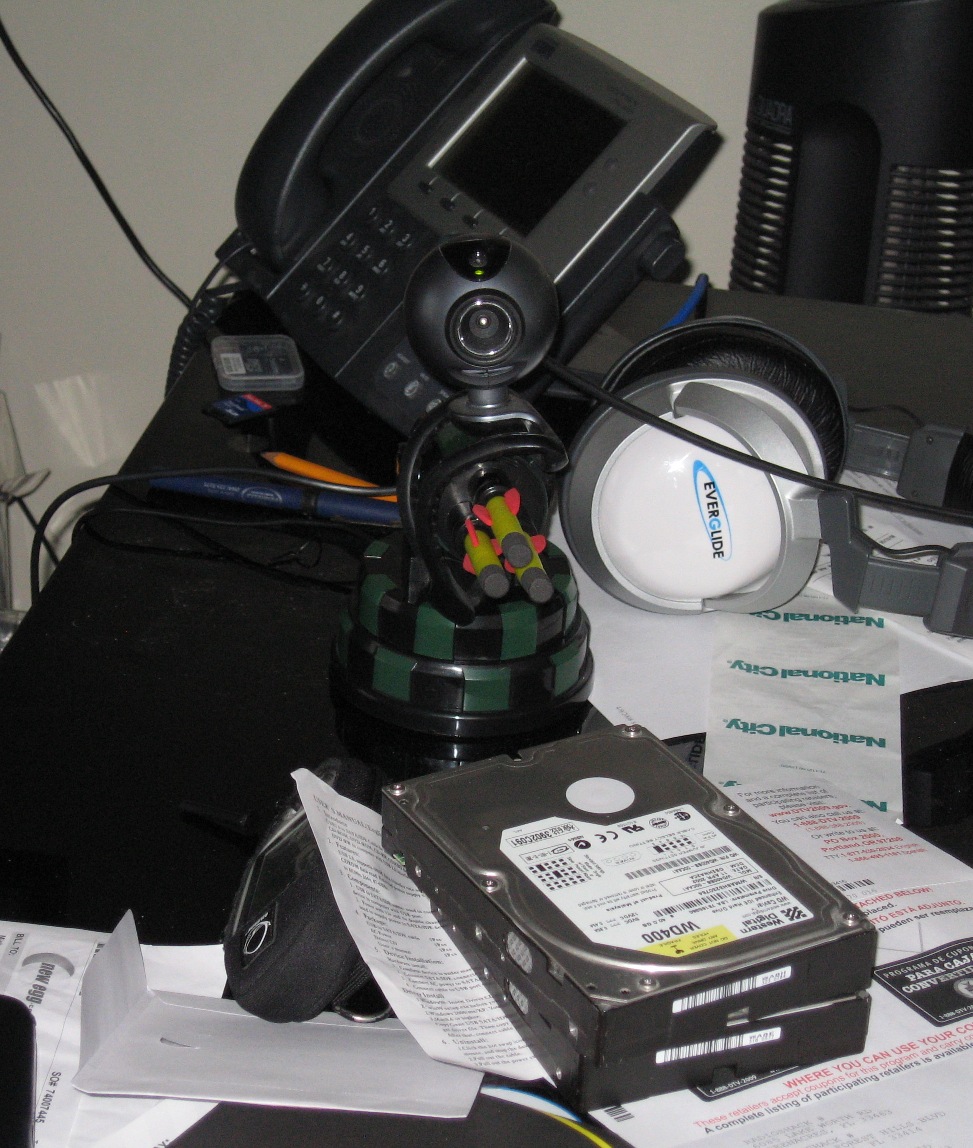
So I got a couple of these usb missile launchers off Woot! a few weeks ago. They are pretty neat so long as you disable the lame SFX, toss a webcam ontop and remote desktop in and screw with someone baaaaad. I have one of these in my shared office at work, it’s scares the hell out of people when something shoots at them for no appearnt reason…