Nov 24

This is the beginning of a little standalone identity management project me and Kevin are working on for IPSwitch’s WhatsUp Gold product.

Overview:

This “WhatsUp Enterprise New User System” aka WENUS enumerates a configured LDAP Group (and any nested groups) for user accounts–any users that do not exist in the WhatsUp are created automatically.  It also reads the user account’s department attribute and creates access to the device group that has a matching device group description.  In our case we have ~200 remote sites, at each of those sites there are up to 2 techs who use WhatsUp to monitor systems at each site.  These remote sites are broken out into Device Groups, we populated all the device group description fields with the corresponding site/dept code–which is also populated in the user account’s LDAP department attribute.  This script can be run nightly or weekly to ensure the proper folks get access to only their respective area.  Furthermore it outputs to the WhatsUp System Activity Log, so you can see new users being created, and any errors there.

This was written for WhatsUp Gold v15 but should work on older versions–perhaps requiring slight modifications.

WENUS Features:

  • Enumerates a LDAP Group (and any nested groups) to create WhatsUp User Accounts when additions are made to the group
  • Scopes WhatsUp Device Group Security based on Department LDAP attribute & Matching WhatsUp Device Group Description fields
  • Outputs to the WhatsUp System Activity Log – any Creates and any Errors are logged centrally.
SQL Server credentials are required to be put into this script, to prevent this from being accessible via clear-text you can use Microsoft’s Script Encoder to encode this VBScript so Username/Password won’t be easily readable.  Download @ http://www.microsoft.com/download/en/details.aspx?displaylang=en&id=3375
This script was created to be adapted with minimal effort to other systems, feel free to let me know if you modify this to support other systems/products.
Disclaimer: Safety is not guaranteed, test this before rolling into production.

Read the rest of this entry »

Aug 18

So your trying to import a signed certificate that was created with the certificate signing request (CSR) you get an error in vCenter Orchestrator Configuration about the cert not being the correct format. If your using Microsoft Active Directory Certificate Services here are the exact steps:

  1. Export a certificate signing request from the VMware vCenter Orchestrator Configuration: Server Certificate area (goto http://vco-server:8282 then click Server Certificate on the left).  If this option isn’t displayed select the option to install a self signed certificate and then you will get the option to export a certificate signing request.
  2. Copy and paste the contents of the CSR file you downloaded from vCO Config area to your Cert Server web interface (http://CERTSERVER/certsrv).
  3. Select Web Server from the drop down and submit.
  4. Now ensure DER encoded is selected and download the certificate chain.
  5. Change the file extension on the file you just downloaded from .p7b to .csr
  6. You should now be able to upload it immediately using the “Import certificate signing request signed by CA” option inside the VMware vCenter Orchestrator Configuration: Server Certificate area (again goto http://vco-server:8282 and select Server Certificate on the left)
  7. You get a green bubble by Server Certificate and everything is happy.
Feb 12
So now that your cranking using LikeWise, you want to use it for all your admins and you need to give them access to sudo all.
Run visudo as normal:
sudo visudo
Then add a line at the bottom like so: (remember to press I to switch to edit mode so you can add this)
%DOMAIN\\linux^admins ALL=(ALL) ALL

When your done hit escape then type:

:wq

This will write the file out and exit visudo

Some things to note:

  • The % MUST be the first character on the line
  • Escape the slash between domain & user with a slash (double slash)
  • Use ^ in place of spaces
  • Obviously replace DOMAIN with your domain
  • If you have problems try dropping case on the group name
Jul 3
DHCP Pwnage v0.1
icon1 Michael Requeny | icon2 Uncatagorized | icon4 07 3rd, 2010| icon31 Comment »

Ever wanted to exhaust a DHCP servers pool? (of course for testing things in a non-production environment)
I did, so I created DHCP Pwnage

This Perl script will grab as many leases as you want, you define the number of leases via the $ClientC var. I plan on writing this tool in PHP so I can add a lot more functionality.

This was created by modifying the example code of Net::DHCPClientLive, to get Net::DHCPClientLive you will need to force the install or notest the install via CPAN.  I have had no luck having Net::DHCPClientLive install properly on any platform without using force or notest.

Download: dhcp-pwnage-v0.1.pl.zip

Read the rest of this entry »

Jul 2

Something cool for your ESX/ESXi labs–Rather then relying on using the VIC (VMware Infrastructure Client) to remote control your VMs you can enable VNC access to them.

To do this power off the VM and add the lines below to the VMs .vmx file, you will need to choose a different port for each VM you wish to do this on.

remotedisplay.vnc.port=”5900″

remotedisplay.vnc.enabled=”true”

If your using ESX you can password protect the VNC connection by adding this line:

remotedisplay.vnc.password = “password”

May 23
Cool function you can use on your local network to lookup a devices MAC address, (assuming the device is on your network).
For a big company, either look in the remote locations router, or your core router.  If you use this leave me a comment, would love to know how your using it.
// =============================================
// getmac(Device IP, Router, SNMP Read Community)
//  Michael Requeny — http://michael.requeny.com
// – Looks up remote devices MAC
// – SNMP to routers ARP table
// – Converts MAC from HEX to ASCII
// – Inserts : seperators
// =============================================
function getmac($ip, $router, $snmpread) {
$oid = “.1.3.6.1.2.1.3.1.1.2”;
$mac = snmprealwalk($router, $snmpread, $oid, 1000000 ,10);
// load up array keys for lookups
$keys = array_keys($mac);
foreach ($keys as $key) {
// if needle contains IP && needle = IP
// this prevents srch for 10.254.254.1 returning
// multiple values (like .1, .11, .111, etc.
if (strstr($key,$ip) == $ip) {
$mackey = $key;
}
}
$mac = trim(str_replace(‘Hex-STRING: ‘, ”, $mac));
$mac = str_replace(‘ ‘, ‘:’, $mac);
return $mac;
}
Sep 14
Cheap Linux Router
icon1 Michael Requeny | icon2 Uncatagorized | icon4 09 14th, 2009| icon3No Comments »

Just picked this up–
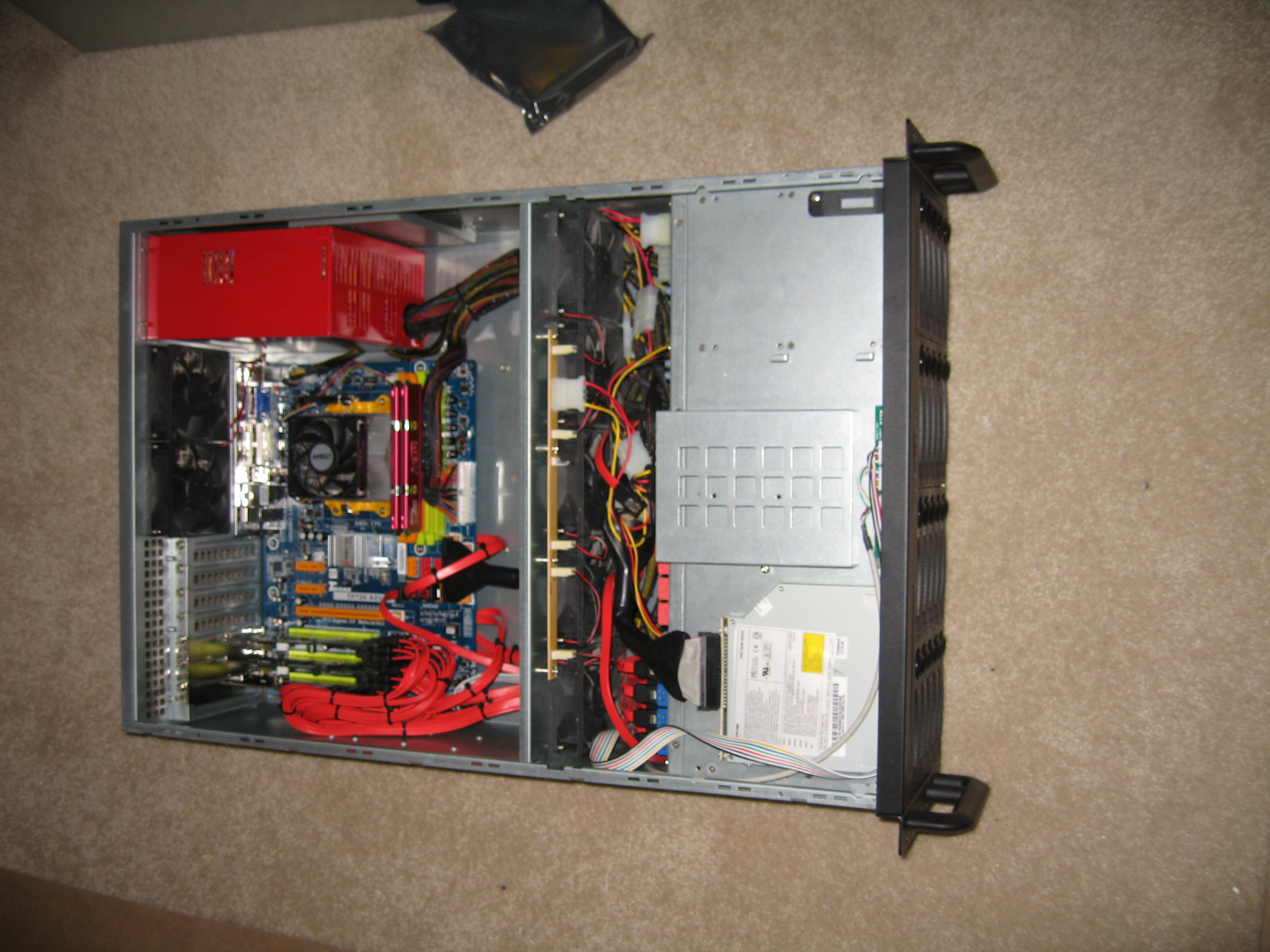
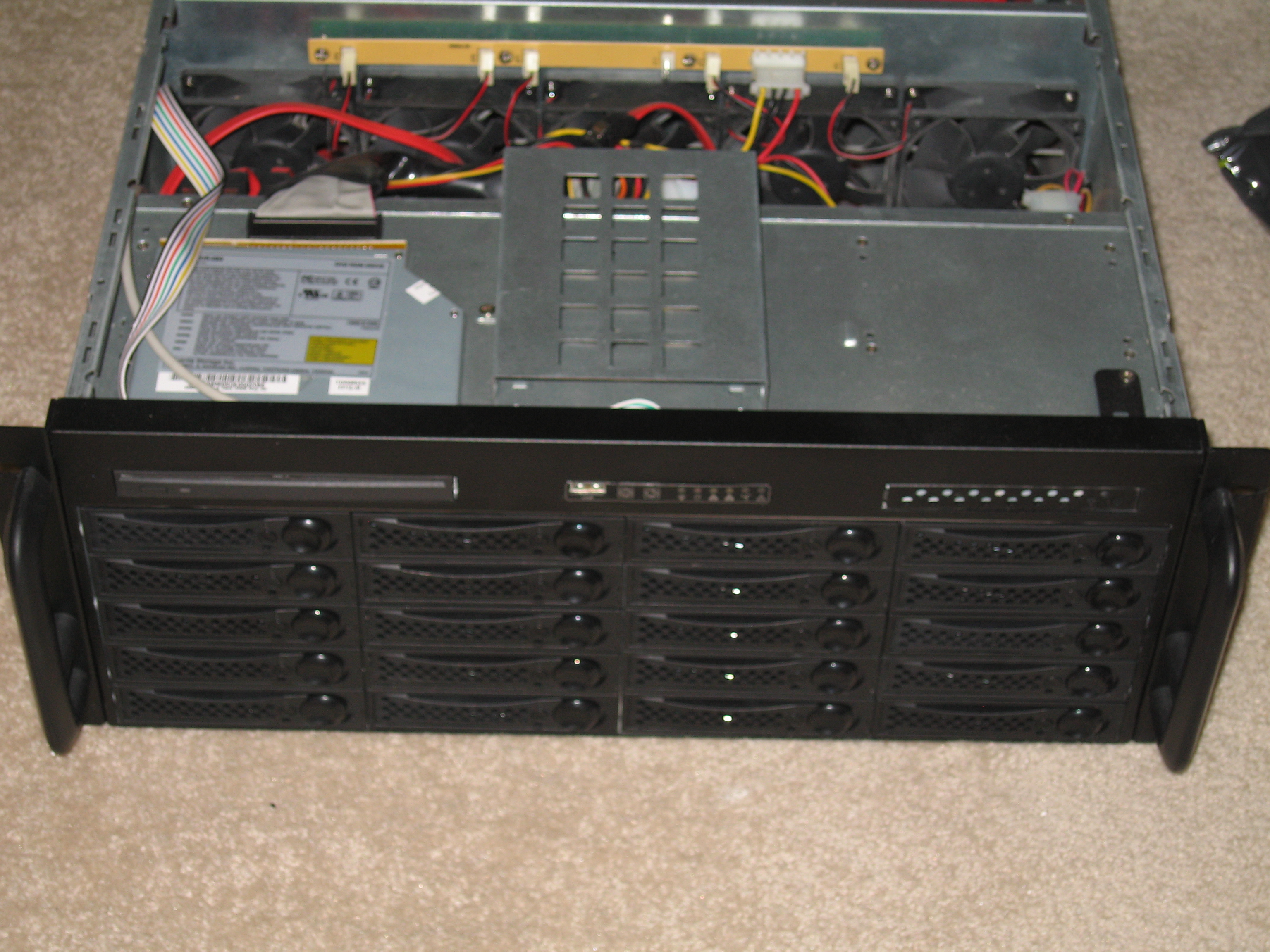
Ken found a pair on Craigslist for $50 each, no hdd’s but x2 2.6ghz dual core procs with 4gb of ram. (DDR2). Working great thus far will be my new Linux Router.
No drive sleds so the case is useless, can’t source them online for a reasonable price will transfer over into one of my 2U or 4U chassis.

Jun 14
ZFS w/ OpenSolaris Build
icon1 Michael Requeny | icon2 Uncatagorized | icon4 06 14th, 2009| icon3No Comments »

So I’ve been wanting a storage system for a few years now. I was thinking just some hardware RAID with some big drives and leave room in the chassis for expansion but after reading article after article saying URE’s will pwn your ass on large arrays during rebuilds I was very skeptic. *Enter ZFS*

ZFS is like the holy grail of storage. Yes software RAID rules…

  • Norco RPC-4020
  • Two 80GB WD 10K SATA Raptors
  • 2 Supermicro
  • Other raid controller
  • 2GB DDR2
  • xyz mobo
  • AMD X2 4050+ or some shit

Still need to pickup some data drives, the raptors are for a mirrored OS volume.

Sep 27

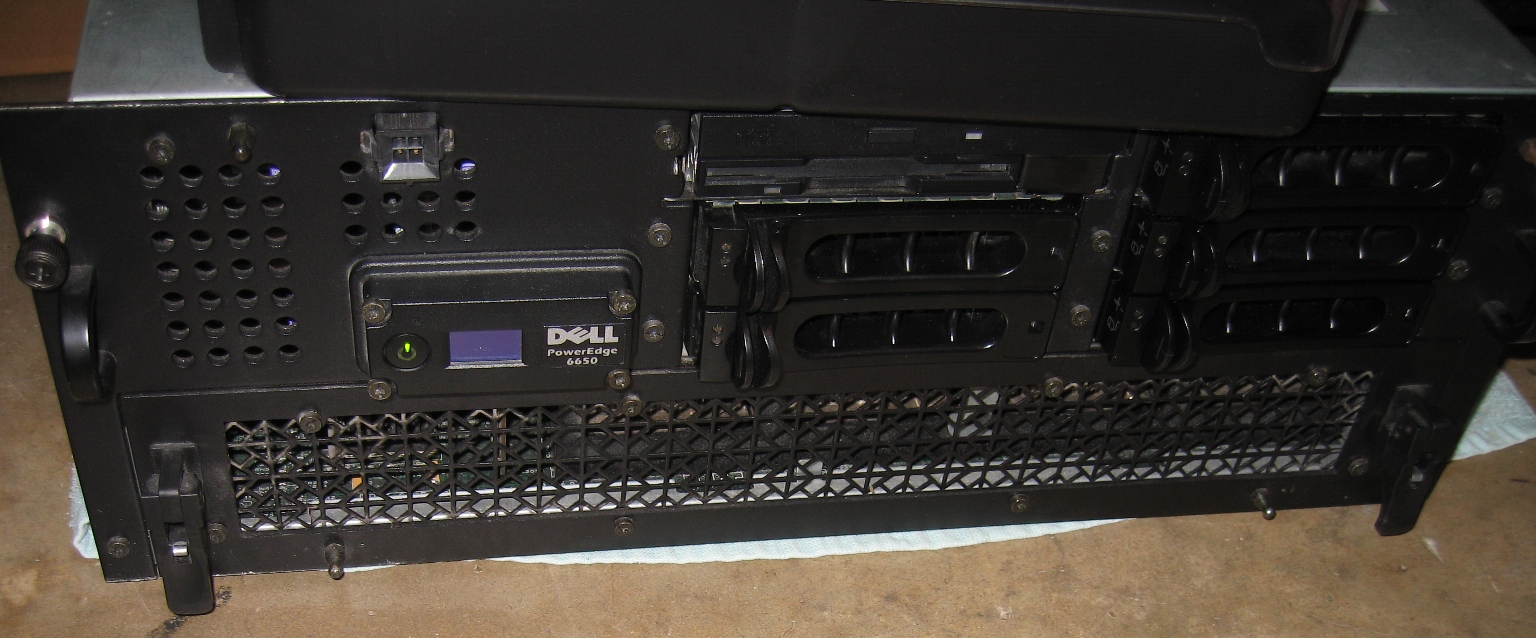
I just picked up this PE6650 off fleabay for $154.50!  Picked it up locally–it was 5min from my house so it was quite the steal if I do say so myself.  I’m prepping this for colo in a new data center down the street from where I work.

PE6650

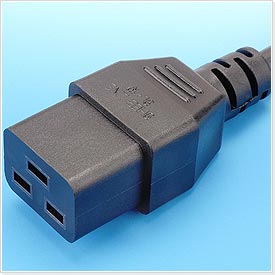
C-19 Plug

C-19 Plug

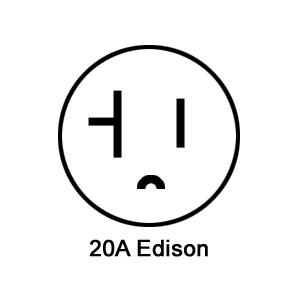
20A Edison

20A Edison

Onto the specs!

  • Quad 2.2ghz Xeons
  • 16GB of ram
  • Two Onboard Gigabit NICs
  • 900W power consumption–Requires C19 power cords–those 1000W whips that plug into 20amp Edison outlets, this made it a pain to use at the house, my washing machine and my APC SmartUPS 3000 are the only outlets I have to plug this into, the hooking it upto the SmartUPS tripped the breaker about a dozen times until I load balanced equipment between the two UPSs in the rack

I have rails on order and a DRACIII card, thinking about getting four 3.0ghz xeons for it…I’ll update some photos when I get it colo’d.

Sep 27
New NetBotz
icon1 Michael Requeny | icon2 Uncatagorized | icon4 09 27th, 2008| icon3No Comments »

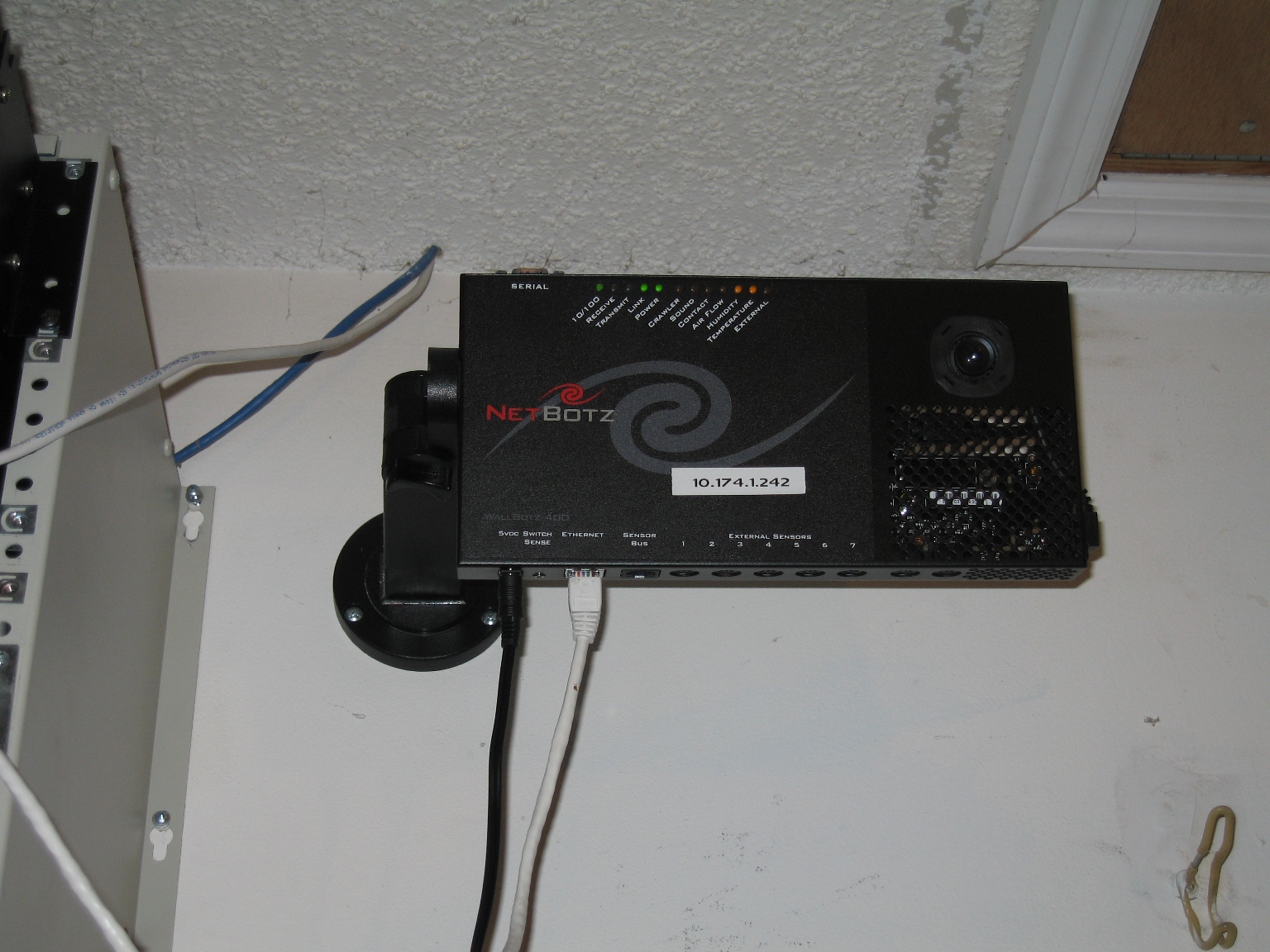
Finally mounted up my newest bot in the garage, collecting data to see the environmental differences between inside the rack and outside…

NetBotz WallBot 400.

NetBotz WallBot 400

So far it seems to be just around 20 degrees Fahrenheit…thinking about using a bunch of 1-wire tempature sensors wired to create a 72″ long tempature monitor, with 1 sensor every 12″.  That should let me do cool things with monitoring the rack temperature almost per rack unit or something…

« Previous Entries