Aug 24
Linux P2V Issues
icon1 Michael Requeny | icon2 VMware | icon4 08 24th, 2010| icon3No Comments »

Took me awhile to get what should have been a simple Linux P2V done at work!

This stuff wasn’t clearly stated anywhere–I couldn’t find anyone with similar issues, so I’m posting this up hoping to help someone else out in the future.  Working with VMware they pointed out the lack of support for dvSwitches after passing through a few levels of support their.

Error: Unable to connect to the Converter helper server on the target virtual machine

Cause: VMware does not support the usage of dvSwitches for Linux Conversions!  Make sure the network you select isn’t a dvSwitch

Error: Unable to obtain the IP address of the target virtual machine running the Converter helper server.

Cause: Related to the above error, relying on DHCP while using a network that is a dvSwitch for a conversion will get you the above error.

FAILED: MethodFault.summary

The last task before removal will be something like: Connecting the Converter helper ISO image to the target virtual machine.

Cause: ESX(i) 4.1 is not supported at this time by VMware Converter–this was with version 4.0.1–the latest version at the time this post was made.

Leave a comment if these notes helped you out or if you have any other uncommon errors you ran into.
Jul 3
DHCP Pwnage v0.1
icon1 Michael Requeny | icon2 Uncatagorized | icon4 07 3rd, 2010| icon31 Comment »

Ever wanted to exhaust a DHCP servers pool? (of course for testing things in a non-production environment)
I did, so I created DHCP Pwnage

This Perl script will grab as many leases as you want, you define the number of leases via the $ClientC var. I plan on writing this tool in PHP so I can add a lot more functionality.

This was created by modifying the example code of Net::DHCPClientLive, to get Net::DHCPClientLive you will need to force the install or notest the install via CPAN.  I have had no luck having Net::DHCPClientLive install properly on any platform without using force or notest.

Download: dhcp-pwnage-v0.1.pl.zip

Read the rest of this entry »

Jul 2

Something cool for your ESX/ESXi labs–Rather then relying on using the VIC (VMware Infrastructure Client) to remote control your VMs you can enable VNC access to them.

To do this power off the VM and add the lines below to the VMs .vmx file, you will need to choose a different port for each VM you wish to do this on.

remotedisplay.vnc.port=”5900″

remotedisplay.vnc.enabled=”true”

If your using ESX you can password protect the VNC connection by adding this line:

remotedisplay.vnc.password = “password”

May 23
Cool function you can use on your local network to lookup a devices MAC address, (assuming the device is on your network).
For a big company, either look in the remote locations router, or your core router.  If you use this leave me a comment, would love to know how your using it.
// =============================================
// getmac(Device IP, Router, SNMP Read Community)
//  Michael Requeny — http://michael.requeny.com
// – Looks up remote devices MAC
// – SNMP to routers ARP table
// – Converts MAC from HEX to ASCII
// – Inserts : seperators
// =============================================
function getmac($ip, $router, $snmpread) {
$oid = “.1.3.6.1.2.1.3.1.1.2”;
$mac = snmprealwalk($router, $snmpread, $oid, 1000000 ,10);
// load up array keys for lookups
$keys = array_keys($mac);
foreach ($keys as $key) {
// if needle contains IP && needle = IP
// this prevents srch for 10.254.254.1 returning
// multiple values (like .1, .11, .111, etc.
if (strstr($key,$ip) == $ip) {
$mackey = $key;
}
}
$mac = trim(str_replace(‘Hex-STRING: ‘, ”, $mac));
$mac = str_replace(‘ ‘, ‘:’, $mac);
return $mac;
}
Sep 14
Cheap Linux Router
icon1 Michael Requeny | icon2 Uncatagorized | icon4 09 14th, 2009| icon3No Comments »

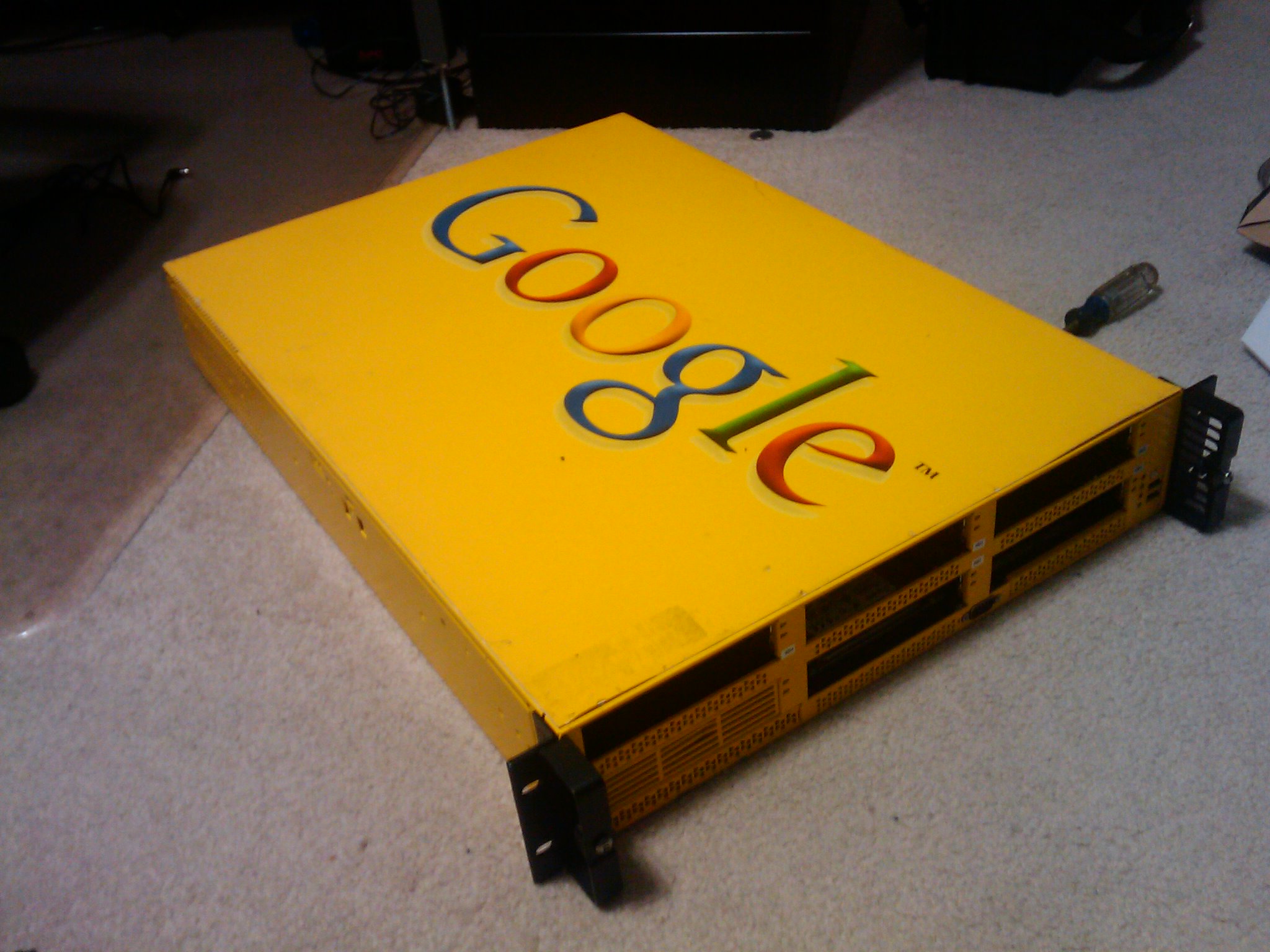
Just picked this up–
Ken found a pair on Craigslist for $50 each, no hdd’s but x2 2.6ghz dual core procs with 4gb of ram. (DDR2). Working great thus far will be my new Linux Router.
No drive sleds so the case is useless, can’t source them online for a reasonable price will transfer over into one of my 2U or 4U chassis.

Jun 14
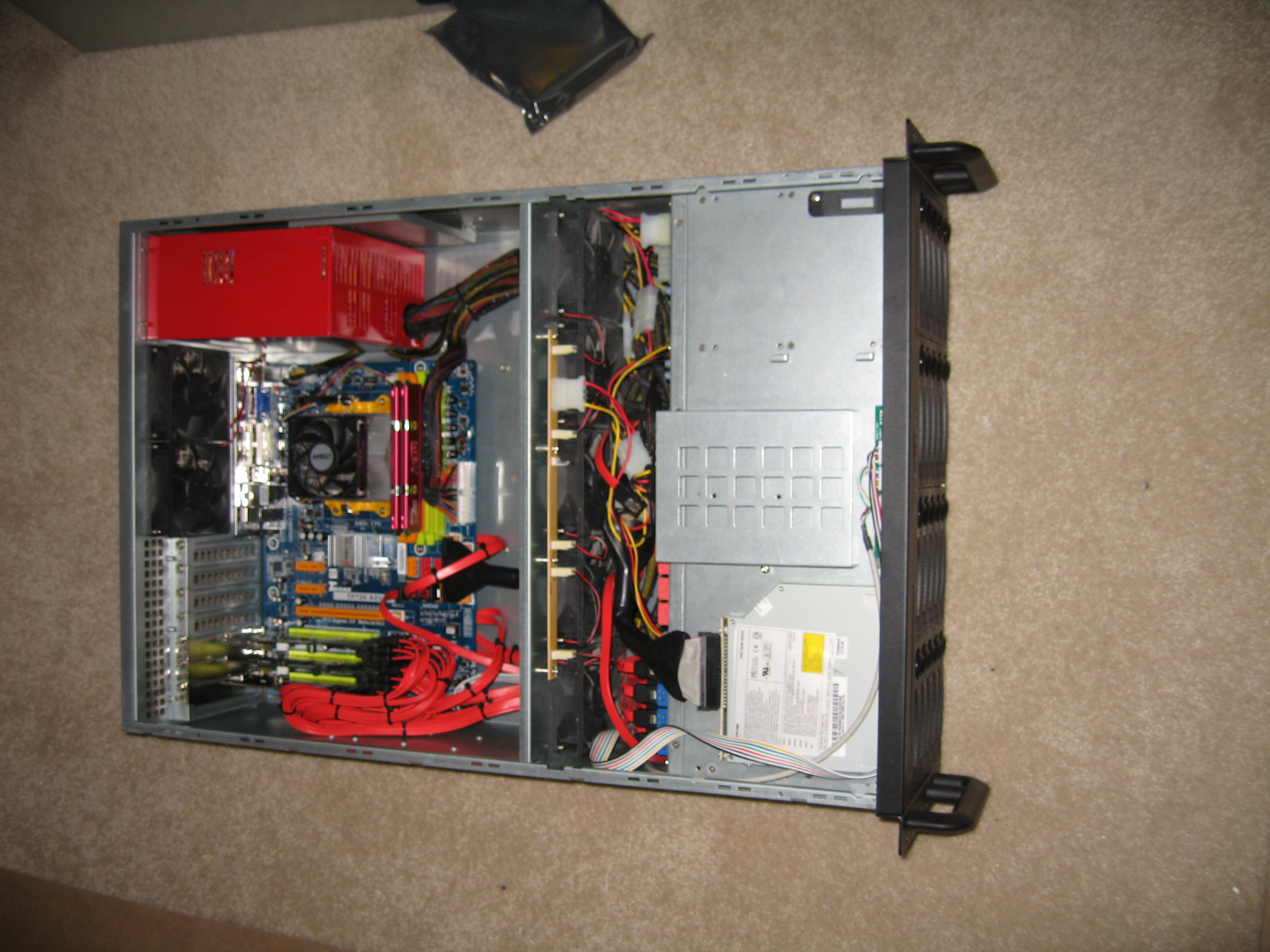
ZFS w/ OpenSolaris Build
icon1 Michael Requeny | icon2 Uncatagorized | icon4 06 14th, 2009| icon3No Comments »

So I’ve been wanting a storage system for a few years now. I was thinking just some hardware RAID with some big drives and leave room in the chassis for expansion but after reading article after article saying URE’s will pwn your ass on large arrays during rebuilds I was very skeptic. *Enter ZFS*

ZFS is like the holy grail of storage. Yes software RAID rules…

  • Norco RPC-4020
  • Two 80GB WD 10K SATA Raptors
  • 2 Supermicro
  • Other raid controller
  • 2GB DDR2
  • xyz mobo
  • AMD X2 4050+ or some shit

Still need to pickup some data drives, the raptors are for a mirrored OS volume.

Sep 27

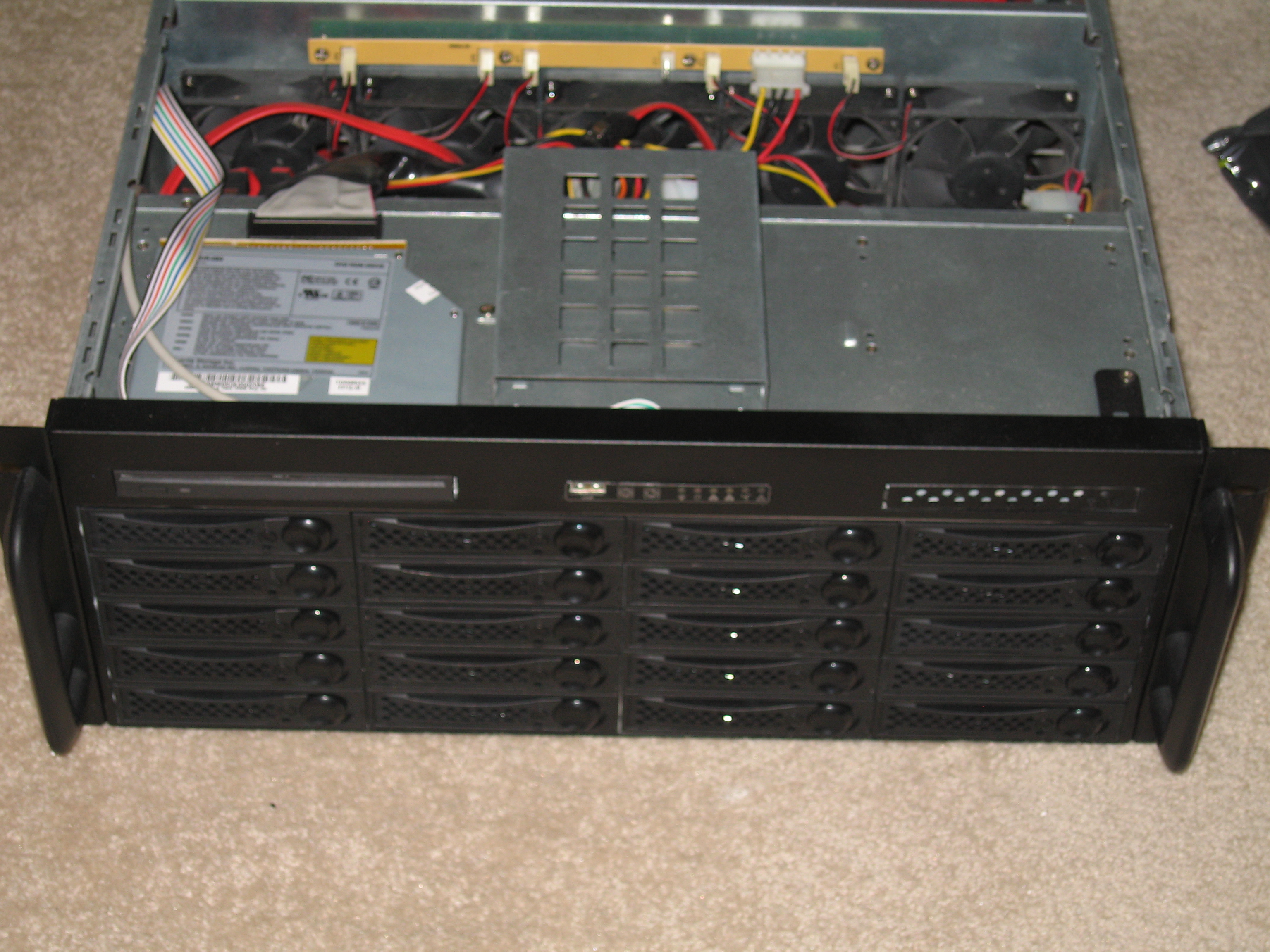
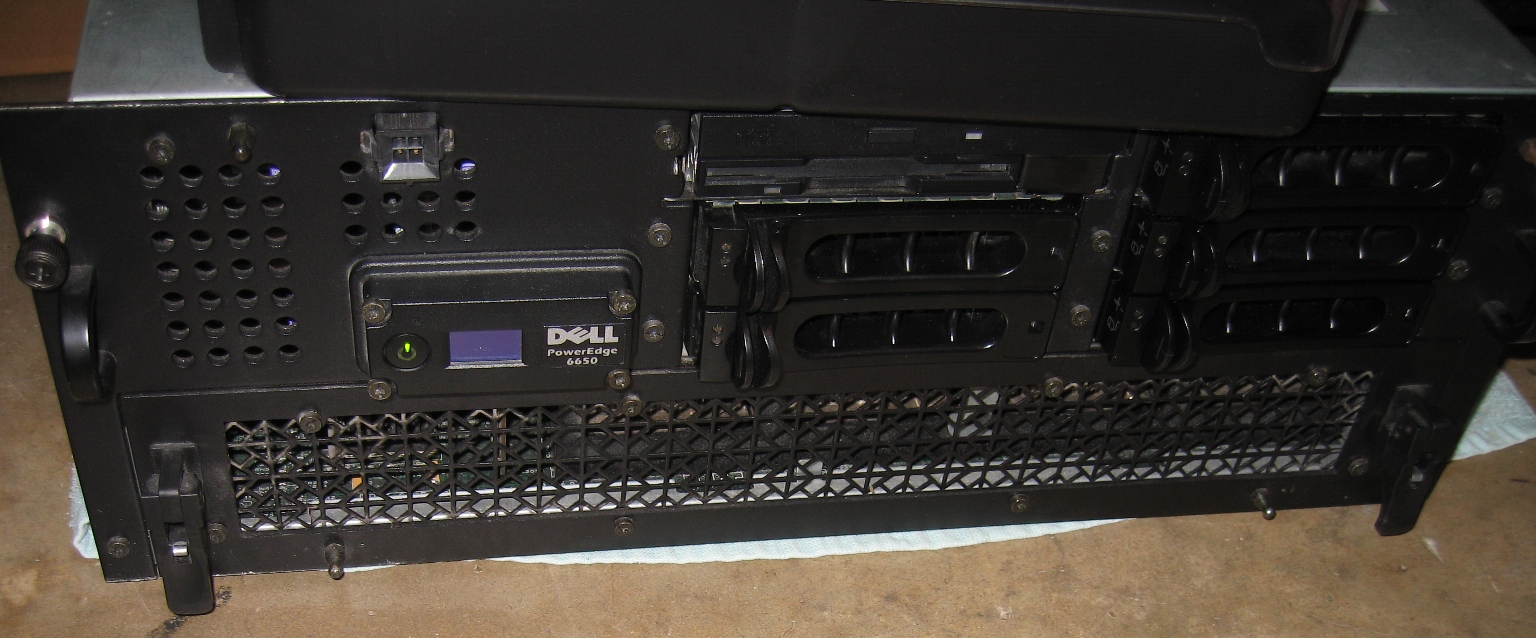
I just picked up this PE6650 off fleabay for $154.50!  Picked it up locally–it was 5min from my house so it was quite the steal if I do say so myself.  I’m prepping this for colo in a new data center down the street from where I work.

PE6650

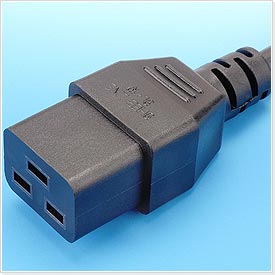
C-19 Plug

C-19 Plug

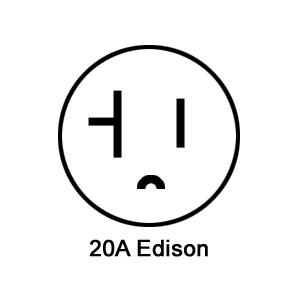
20A Edison

20A Edison

Onto the specs!

  • Quad 2.2ghz Xeons
  • 16GB of ram
  • Two Onboard Gigabit NICs
  • 900W power consumption–Requires C19 power cords–those 1000W whips that plug into 20amp Edison outlets, this made it a pain to use at the house, my washing machine and my APC SmartUPS 3000 are the only outlets I have to plug this into, the hooking it upto the SmartUPS tripped the breaker about a dozen times until I load balanced equipment between the two UPSs in the rack

I have rails on order and a DRACIII card, thinking about getting four 3.0ghz xeons for it…I’ll update some photos when I get it colo’d.

Sep 27
New NetBotz
icon1 Michael Requeny | icon2 Uncatagorized | icon4 09 27th, 2008| icon3No Comments »

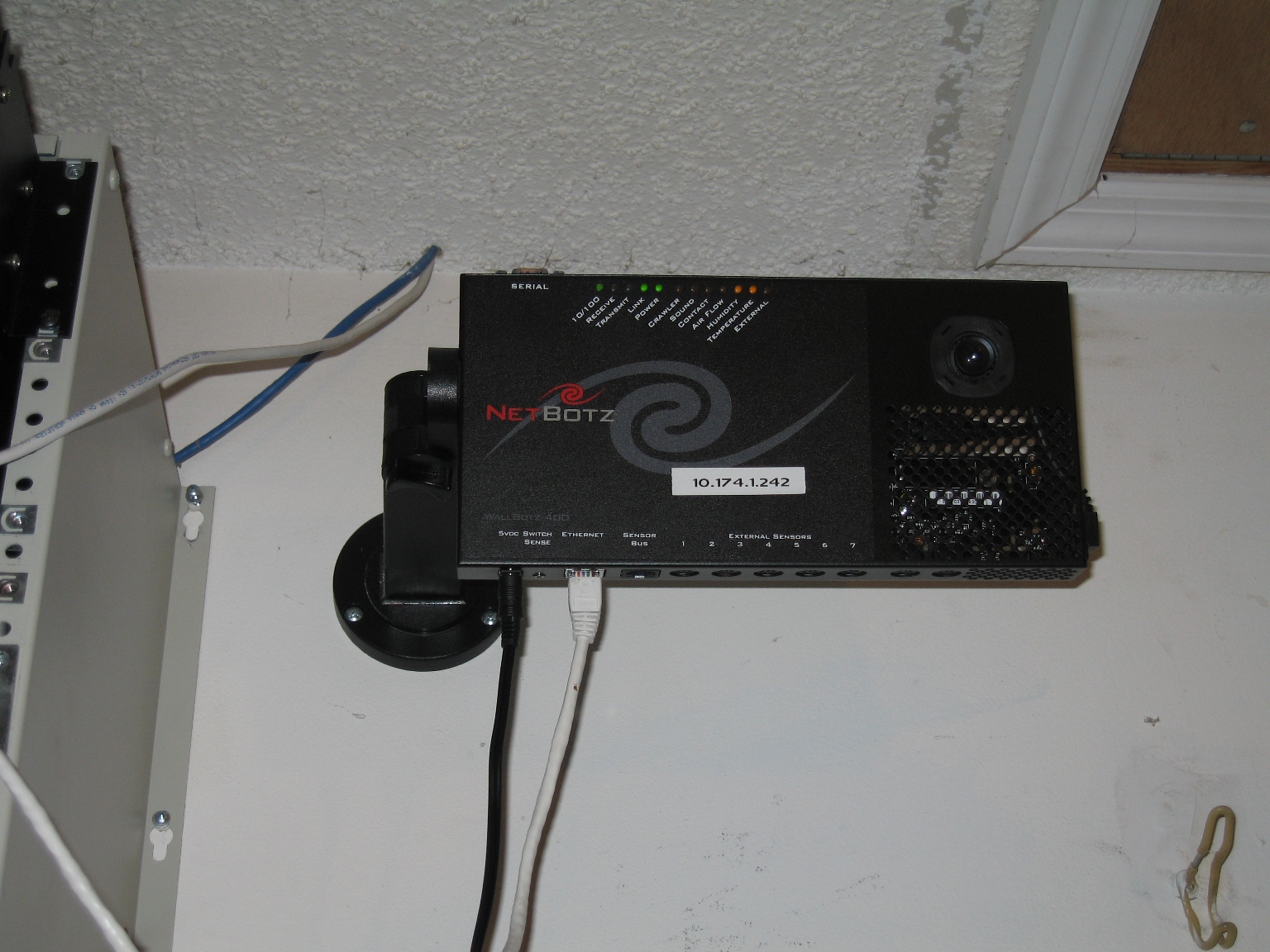
Finally mounted up my newest bot in the garage, collecting data to see the environmental differences between inside the rack and outside…

NetBotz WallBot 400.

NetBotz WallBot 400

So far it seems to be just around 20 degrees Fahrenheit…thinking about using a bunch of 1-wire tempature sensors wired to create a 72″ long tempature monitor, with 1 sensor every 12″.  That should let me do cool things with monitoring the rack temperature almost per rack unit or something…

Sep 1
1-Wire Temperature Sensors
icon1 Michael Requeny | icon2 Uncatagorized | icon4 09 1st, 2008| icon32 Comments »

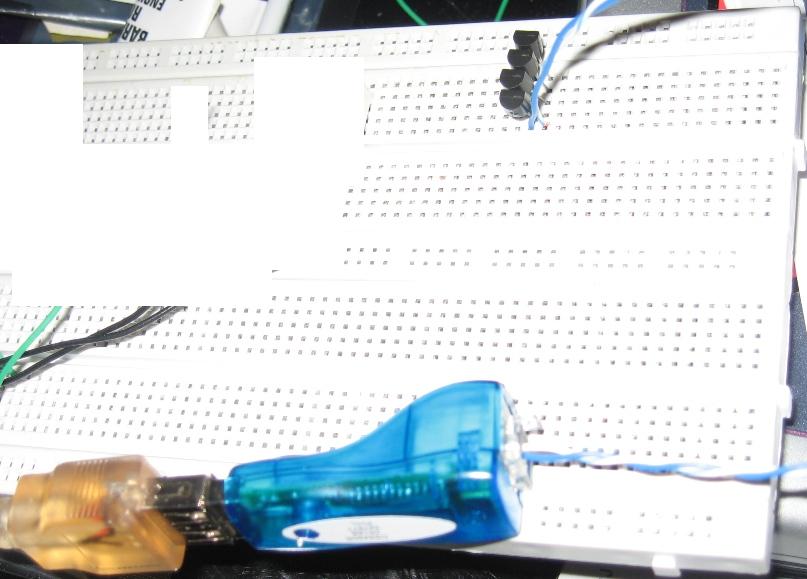
Well I finally got some Dallas Semiconductor 1-Wire Tempature Sensors in.  I quickly threw a bunch on the breadboard to see how accurate they are and stuffs, pretty nifty, 2 wires is all it takes, ignore the 3rd leg of the sensors it doesn’t do anything…

Breadboard + 1-Wire Tempature Sensors

Breadboard + 1-Wire Temperature Sensors

I put white blocks in the picture because of the nonsense on the breadboard–it was just some toying of a segment display from awhile back…

I plan to use these sensors (along with many more) to build a weather station, and I’d like to place a few throughout the house to see the difference in tempature between the rooms.  Would be intresting to see the temp difference between the outside, attic and home on a graph.

Aug 25
Keyfob Success!!!
icon1 Michael Requeny | icon2 Uncatagorized | icon4 08 25th, 2008| icon32 Comments »

OMG KEYFOB MANIAAAAAAAAAAAA
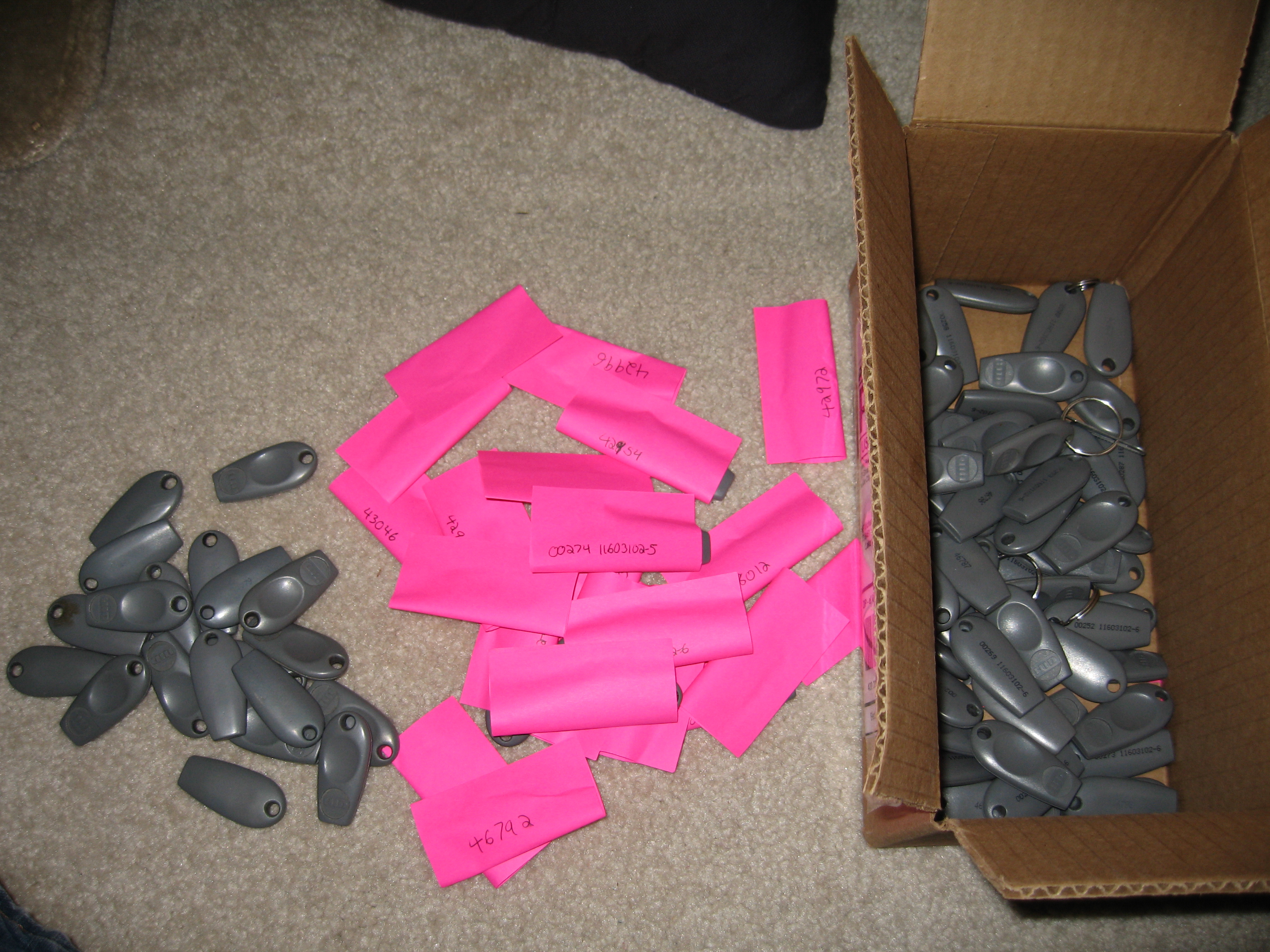
I ordered 103 HID keyfobs (used) for less then I paid for 3 NEW
These are almost all 5 digit keyfobs so every single one works just fine with my panel!!!

Keyfob Mania!!!

Keyfob Mania!!!

Read the rest of this entry »

« Previous Entries Next Entries »