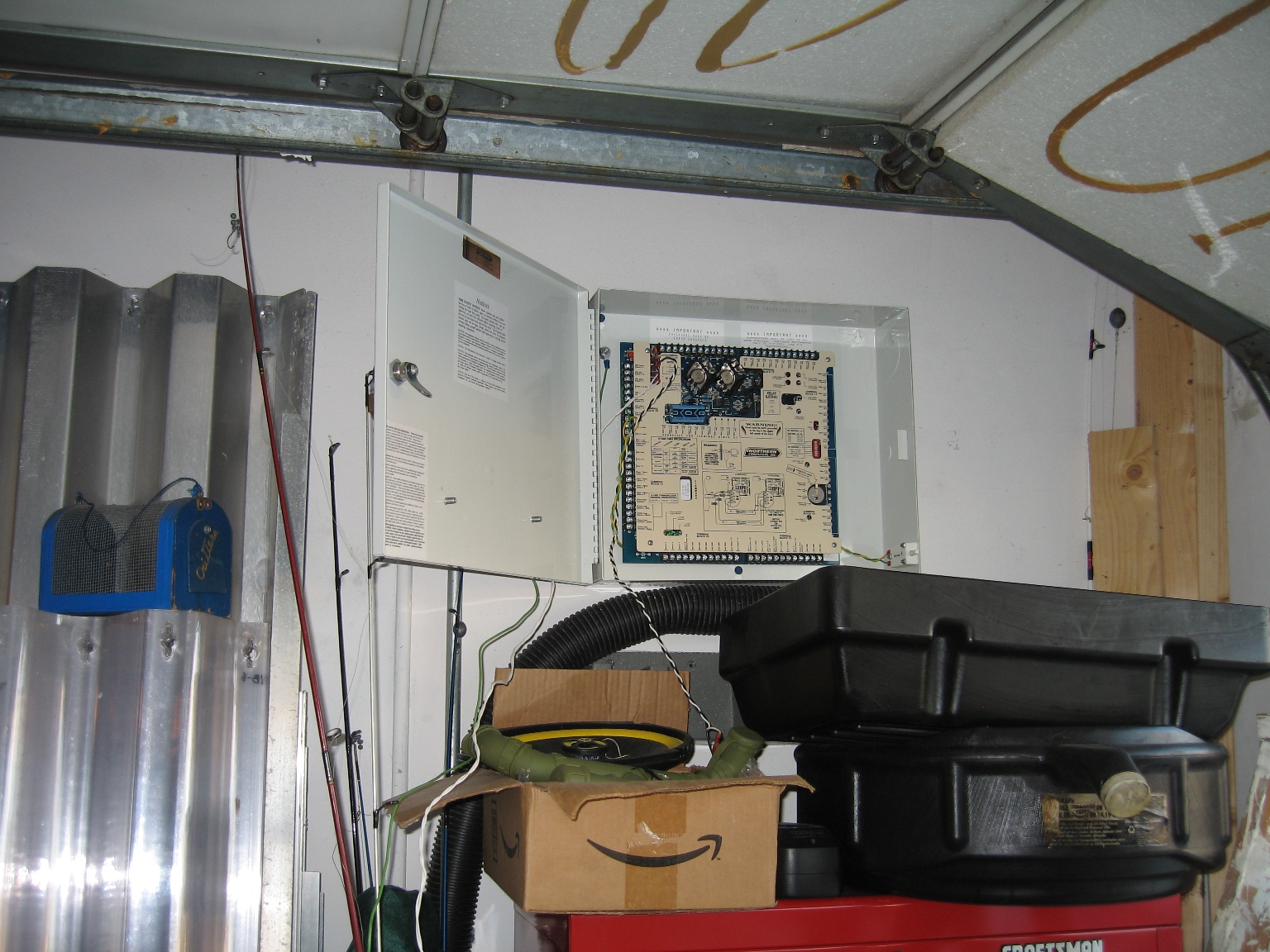
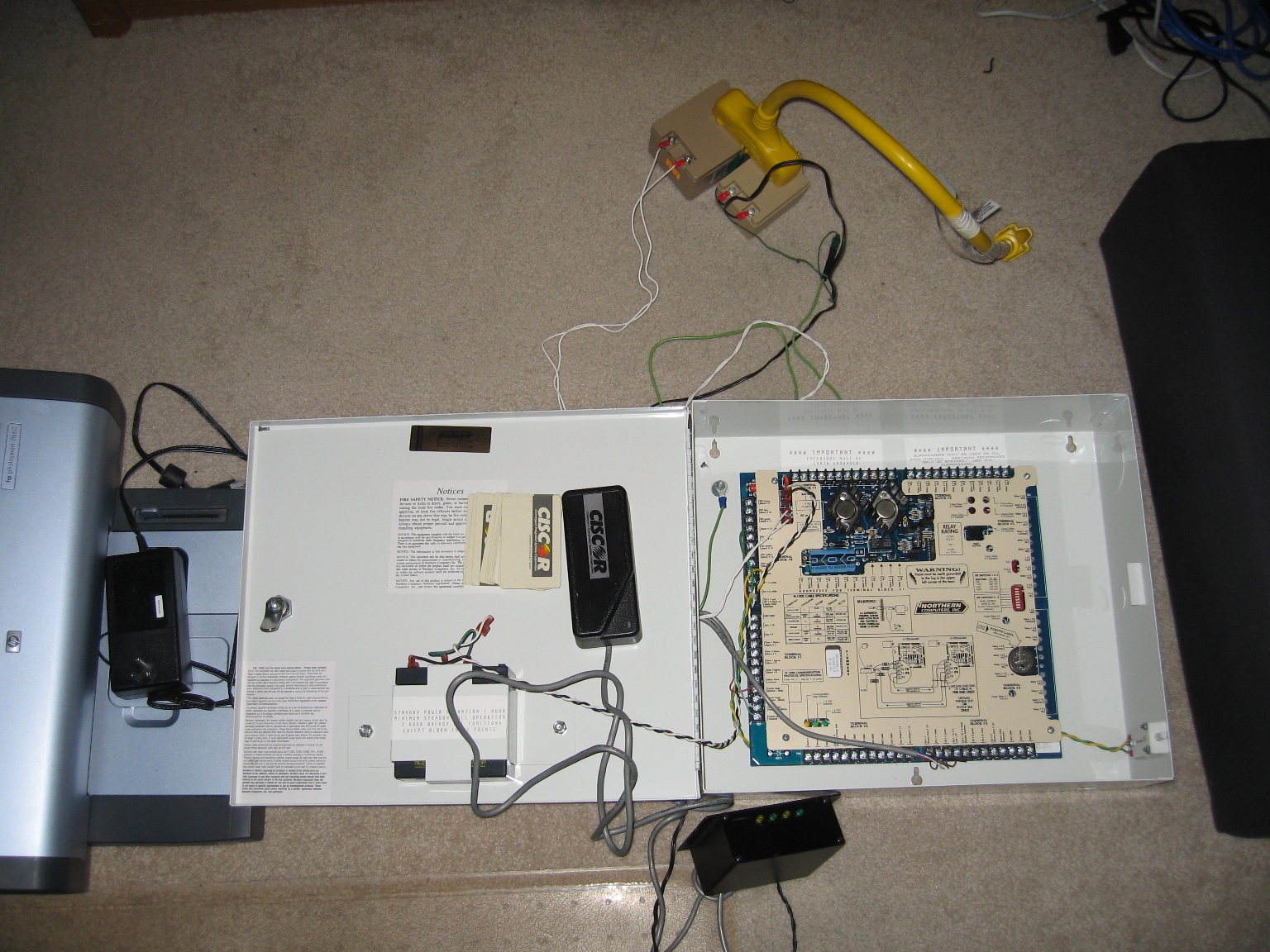
So I tinkered around today with it some more, and realized my mistake when I previously tried to program the panel. Every command has to be prefixed with a space. The other show stopper is the POS USB<->Serial Dongle I am using, it craps out after a few minutes and I have to change the com port, disable/reenable the device, or unplug/replug it in…
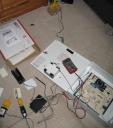
I made good progress today, Assigned the Reader to an Output, Added the Card to the Reader, and named the Panel, Reader and Output. I cannot get the panel to energize the output when I have a successful read, however the LED status on the reader works now and I can see the actions in the terminal processing. I know it has to do with the V command, but everything I’ve done thus far is invalid syntax, stupid Honeywell needs to improve on this documentation from 1995. Perhaps I’ll try to get a firmware upgrade for this thing, apparently you have to send the EPROMM in to get it, PITA.  Heres a pic from my tinkering…
Also bidding on a Blackbox wireless serial server so once this is installed I can make whatever changes over the network…mmm disable someones proxcard (key) to the house via VPN–oh the joys…
Anyone else who wants to do something like this, the Northern Computers panels may be a cheaper solution since they are in surplus out of old buildings, however something like an ELK-M1 may prove to be more user friendly and alot less fustrating…
 Michael Requeny |
 07 25th, 2008|